RILACAM / RETRO DIGITAL CAMERA

Miss those
digicam colors?

Give your iPhone photos the colors of early digital cameras.
Pick a filter and preview it as you shoot photos or video.

View on the App Store Made for iPhone
iOS 17 or later

No account needed.

Browse the filters
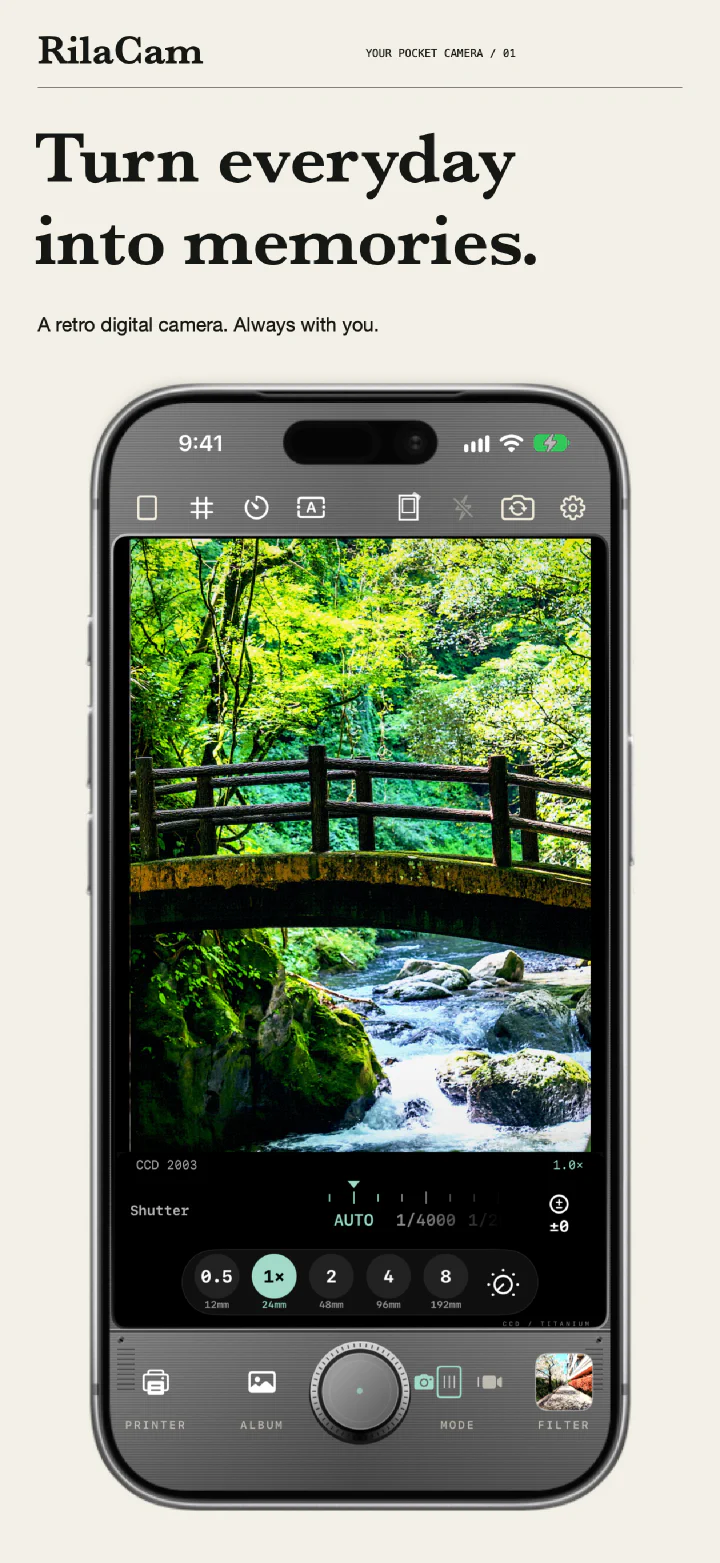
RilaCam camera screen: a wooden bridge over a forest stream in CCD 2003, with the shutter dial and zoom controls below
01 / EVERYDAY MEMORIES
21 filtersPHOTO + VIDEO Photo & video12MP Max photo outputON DEVICE Local image processing
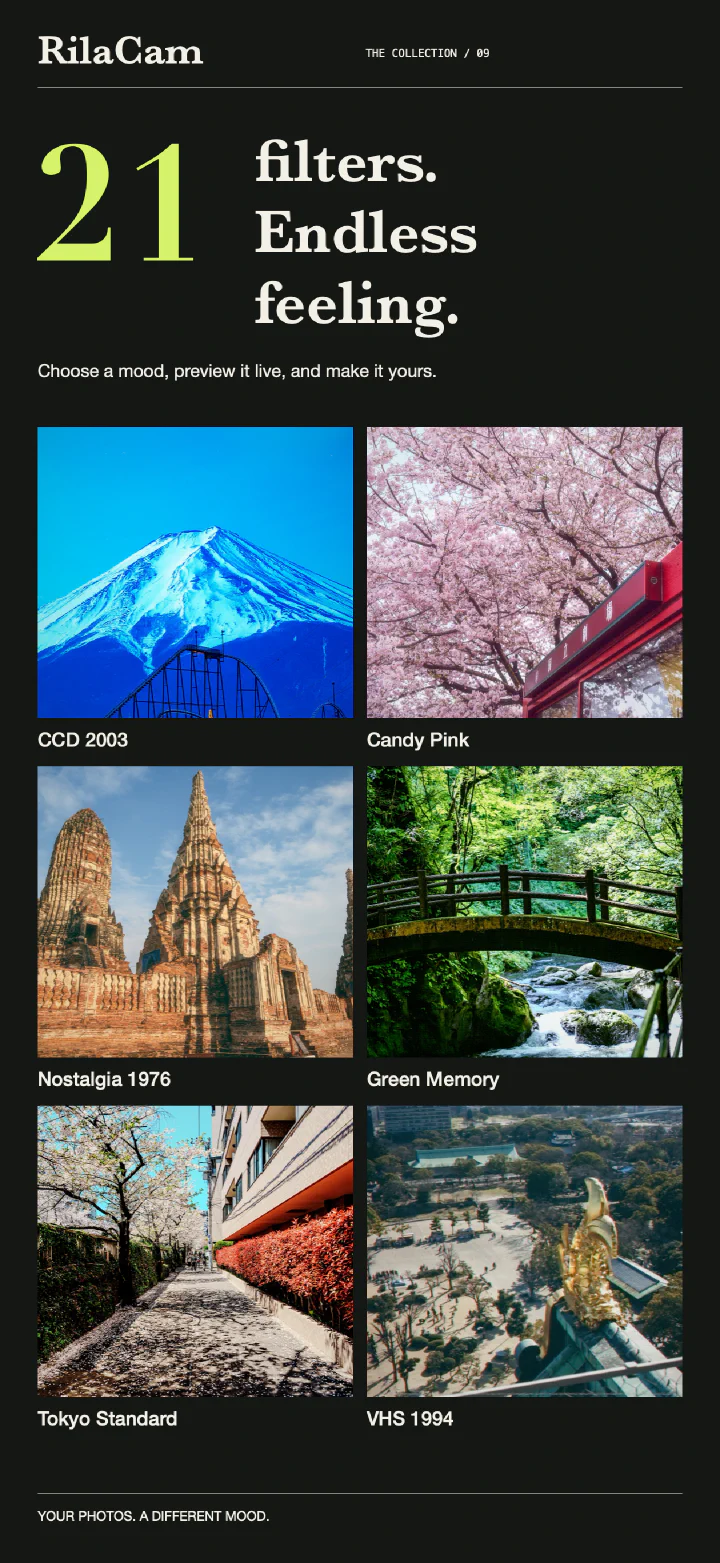
Six of the 21 filters: CCD 2003, Candy Pink, Nostalgia 1976, Green Memory, Tokyo Standard, and VHS 1994
09 / FILTER OVERVIEW

21 FILTERS

CCD colors.
Film grain.
A touch of DV.

Try vivid digital colors, warm film tones, or a little grain. Start by shooting with the 5 free filters.

Start with 5 free filters
  • CCD 2003
  • Pocket 4
  • Warm Date
  • Night CCD
  • VHS 1994
See all four collections

FILTER COLLECTIONS

Four collections to try

From CCD color to black-and-white film.
See the results and the filters in each collection.

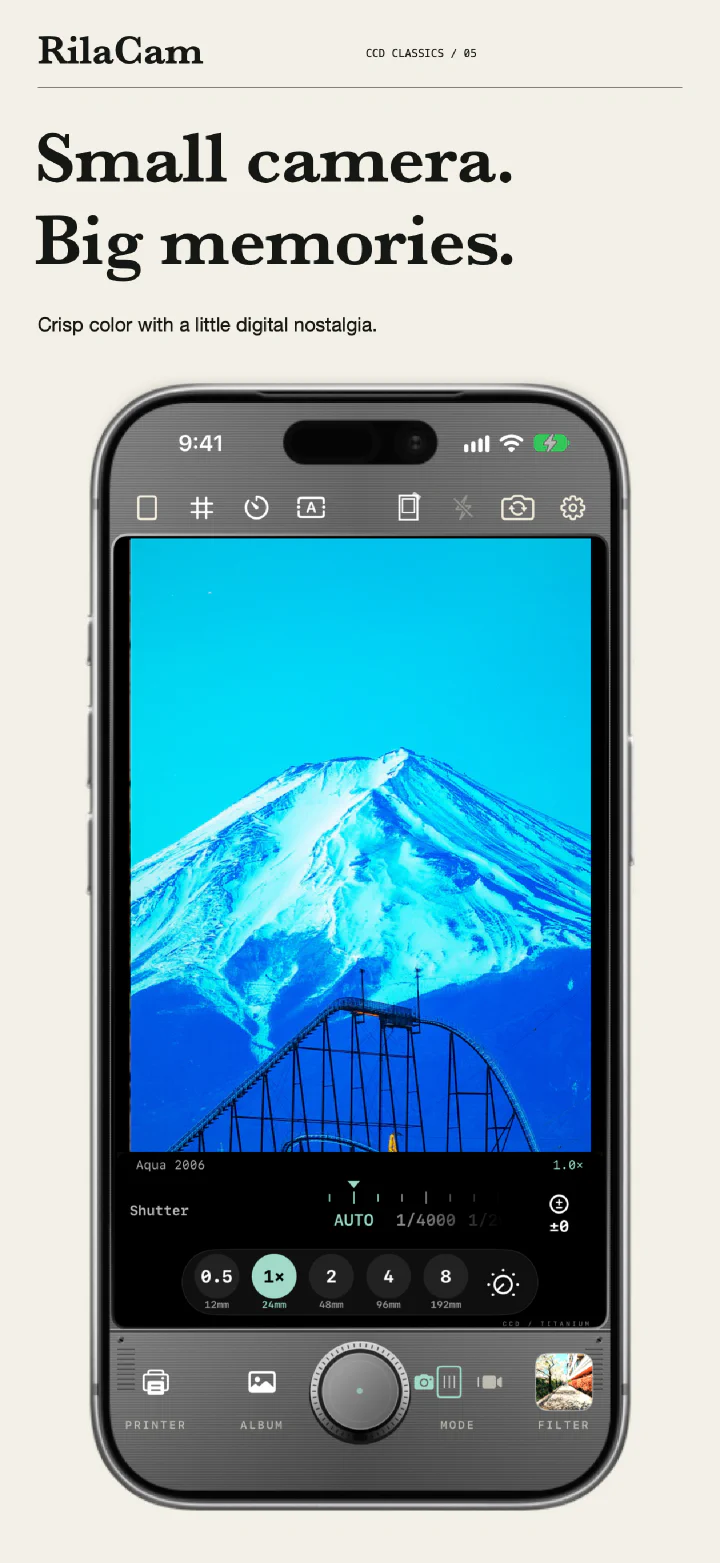
CCD Classics: Mount Fuji in Aqua 2006 on the camera screen
05 / CCD CLASSICS

CCD Classics

Vivid early-digital colors for street scenes, greenery, and flash-lit parties.

Included filters & purchase details

Aqua 2006, Flash Party, Silver Compact, and Green Memory.
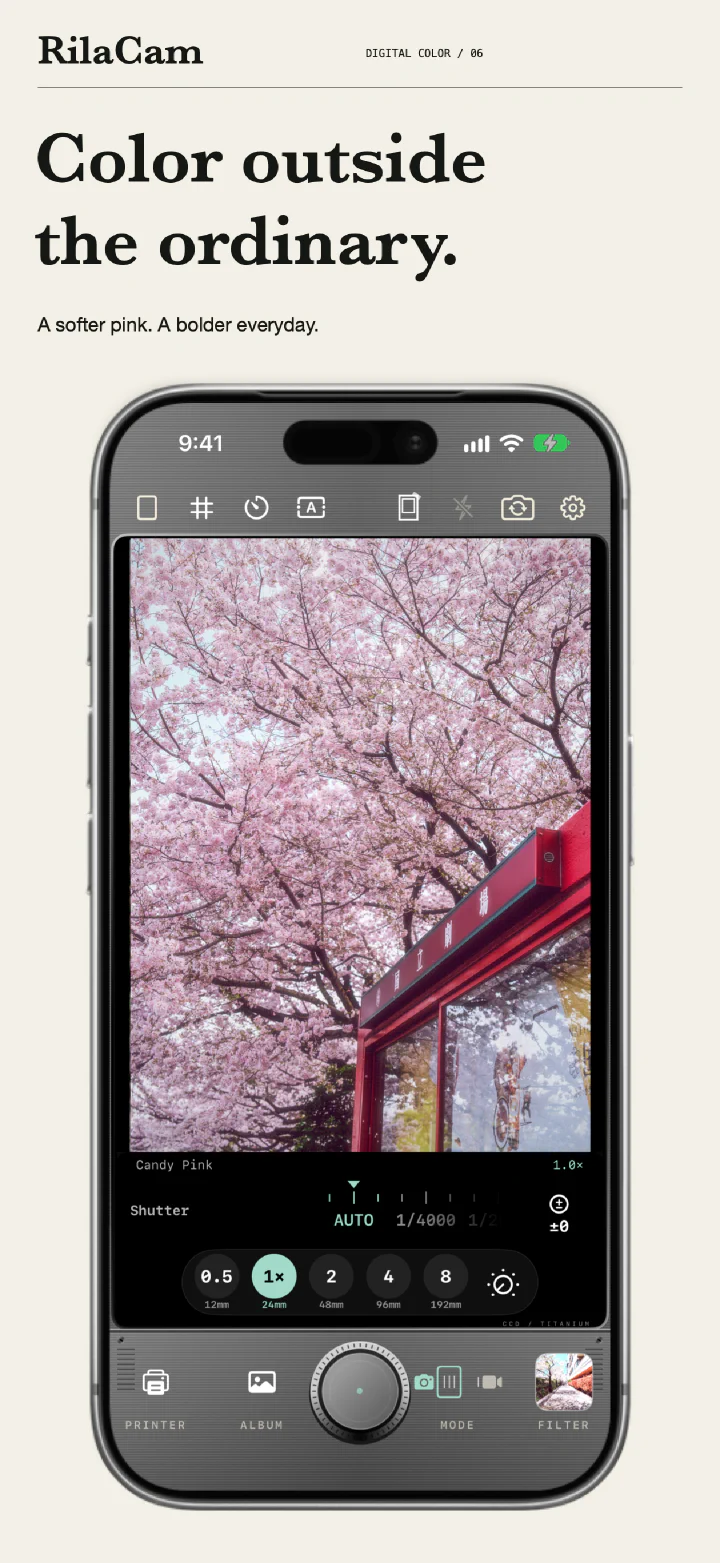
Digital Color: cherry blossoms in Candy Pink on the camera screen
06 / DIGITAL COLOR

Digital Color

Soft pinks and richer colors to try on flowers and portraits.

Included filters & purchase details

Tokyo Standard, Vivid 2008, Soft Portrait, and Candy Pink.
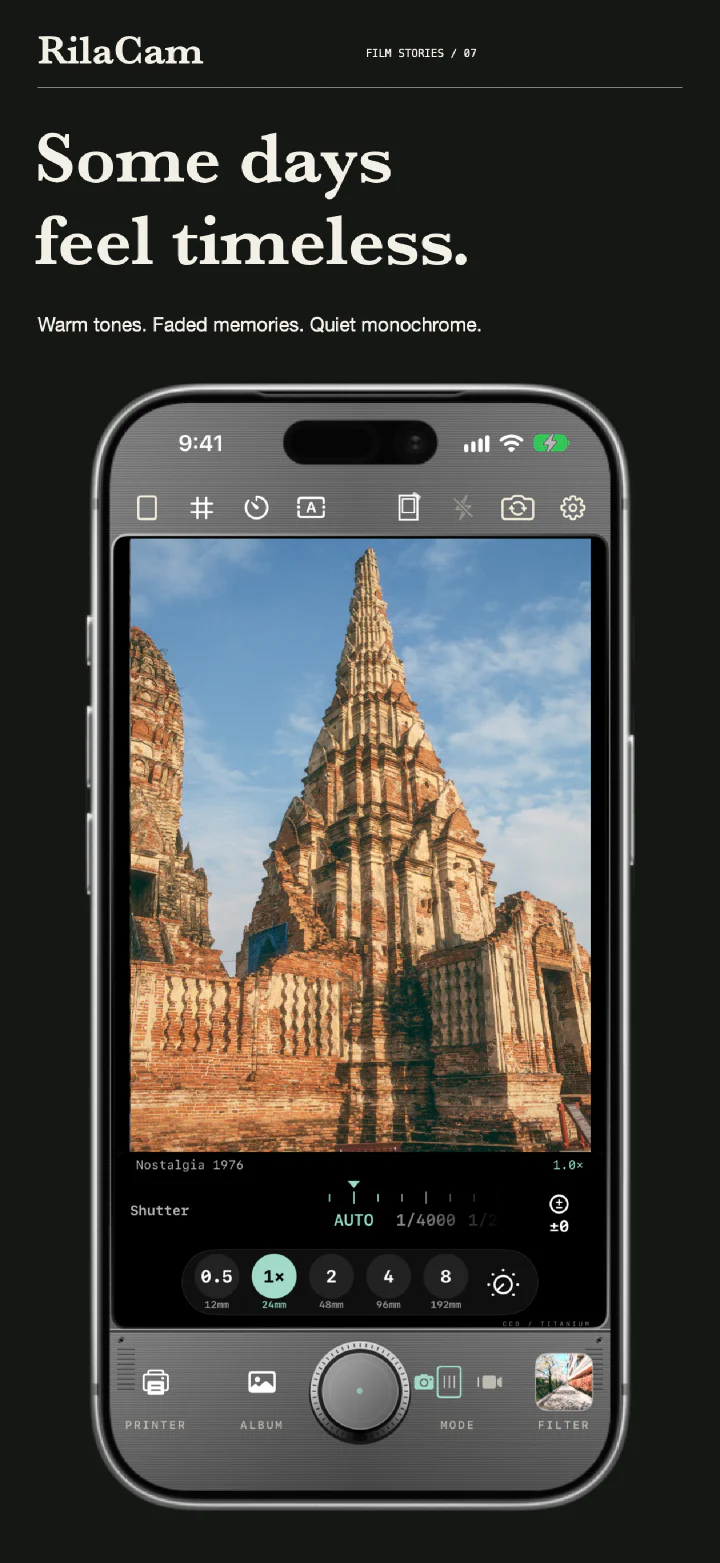
Film Stories: an ancient temple in Nostalgia 1976 on the camera screen
07 / FILM STORIES

Film Stories

Warm tones, faded colors, and black and white, with film-inspired grain.

Included filters & purchase details

Classic Slide, Negative 90, Nostalgia 1976, and Mono 400.
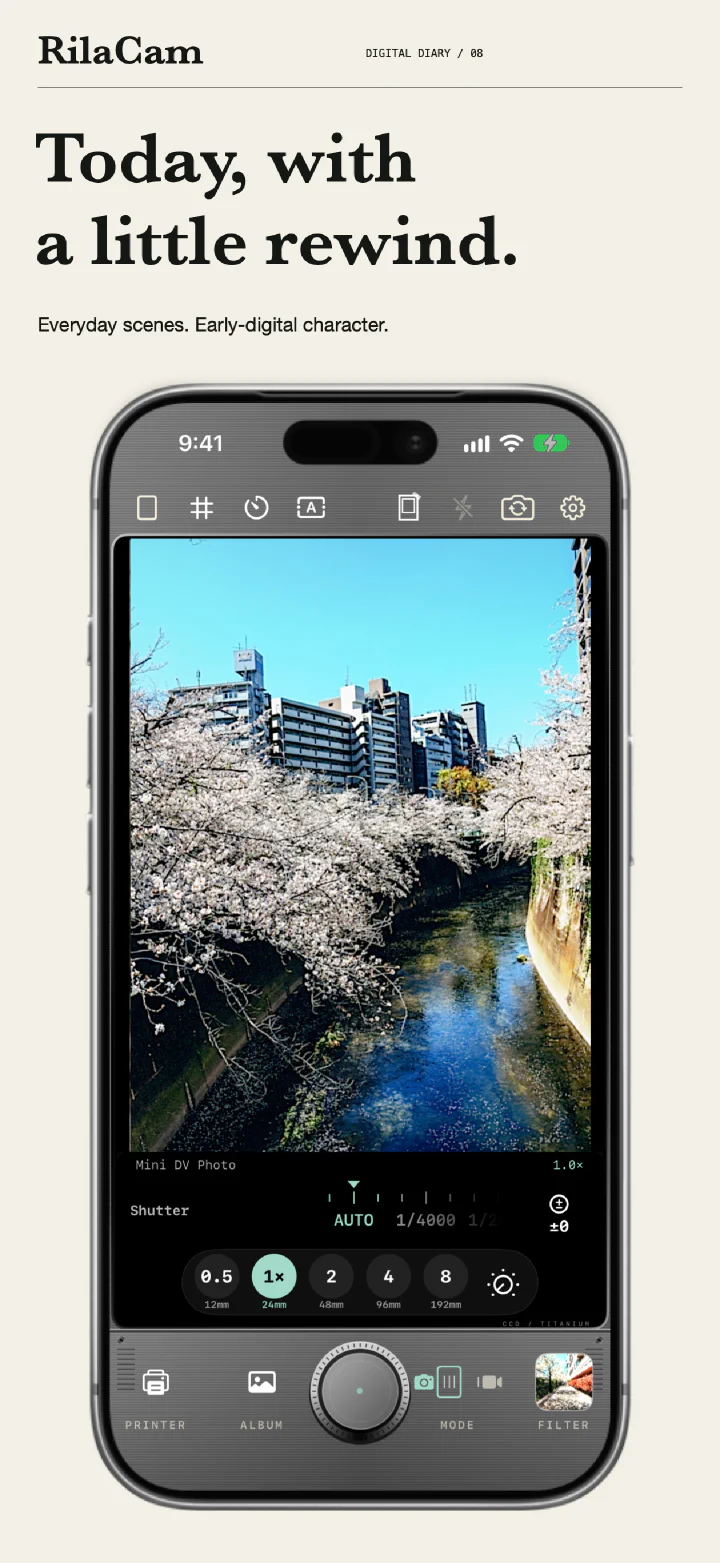
Digital Diary: a cherry-blossom river in Mini DV Photo on the camera screen
08 / DIGITAL DIARY

Digital Diary

Early DV and digital-camera tones for street scenes and evening light.

Included filters & purchase details

Mall 2005, Cyber Café, Mini DV Photo, and Blue Hour.

Results vary with the scene and your chosen intensity. Paid filters require an in-app purchase before you can save results. Collections are non-consumable purchases with Restore Purchases support. See the App Store for current prices.

CAMERA FEATURES

Pick a filter.
Start shooting.

Preview filters live, then set
the shutter, exposure, and timer.
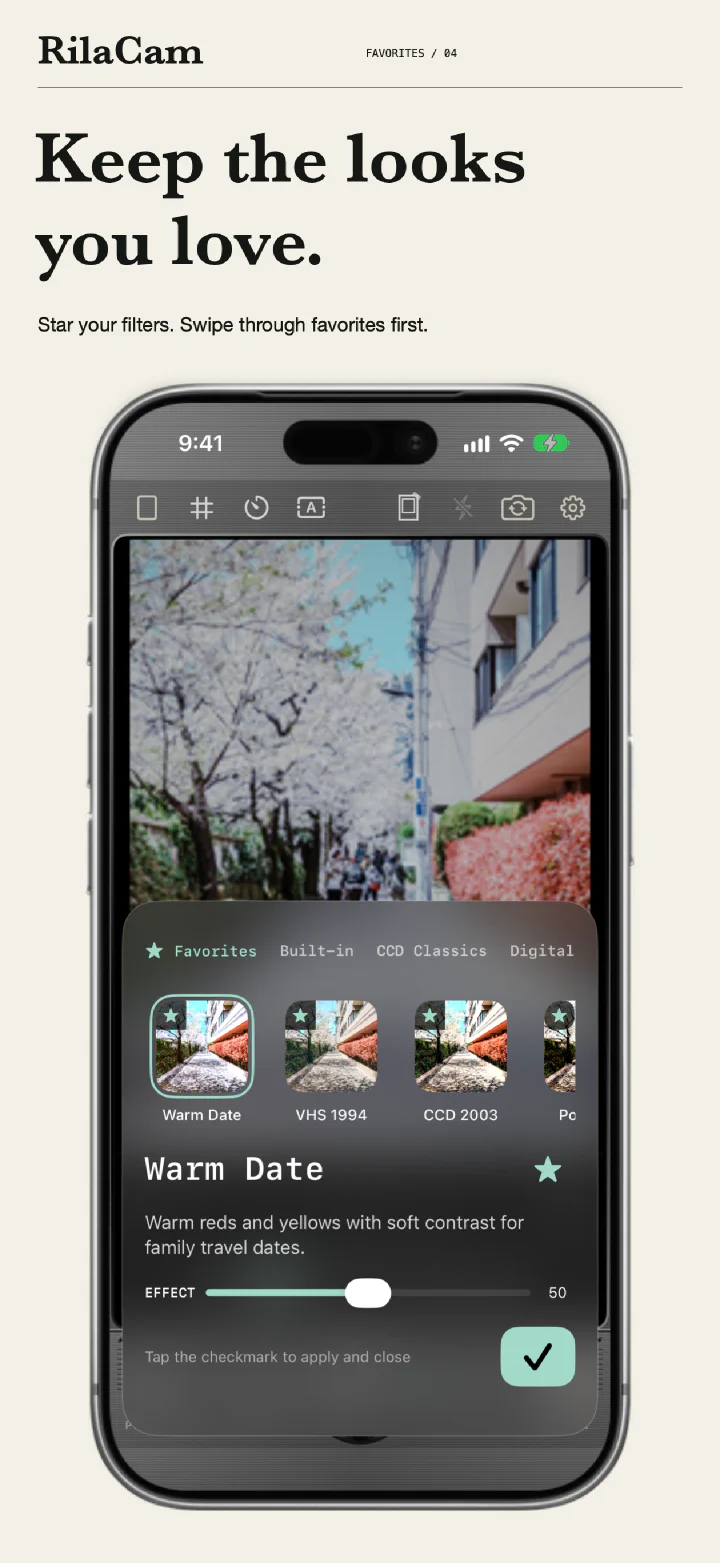
Filter picker on the Favorites tab: starred Warm Date, VHS 1994, and CCD 2003, with the effect slider
04 / FAVORITES

Adjust the filter intensity

See the effect change as you adjust it. Each filter remembers its intensity, and starred favorites come first when you swipe.
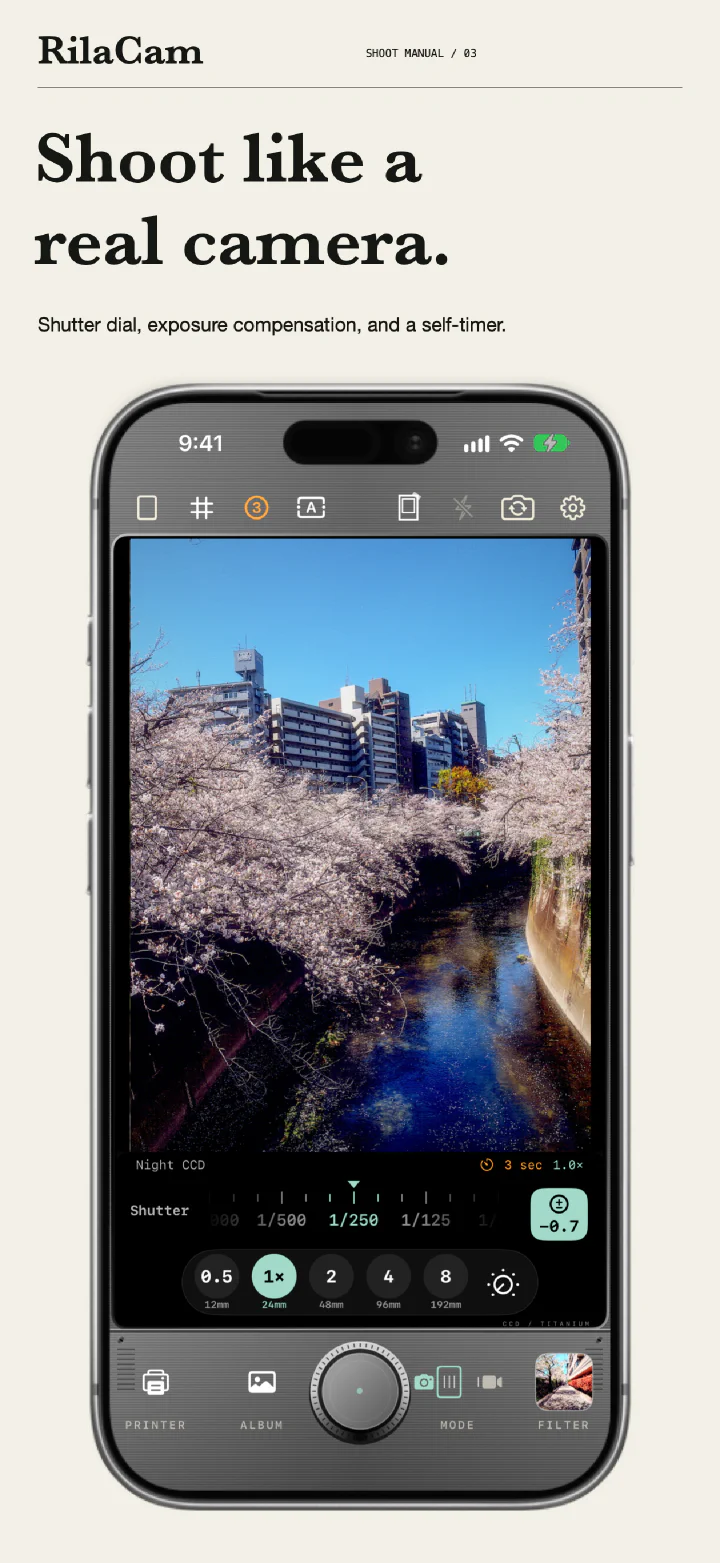
Manual shooting: a cherry-blossom river in Night CCD with the shutter at 1/250, exposure at −0.7, and a 3-second self-timer
03 / SHOOT MANUAL

Shoot like a real camera

Set the shutter from 1/4000 to 1/30 s, adjust exposure in 1/3 steps, and use a 3, 10, or 30-second self-timer. Frame in 3:4, 4:3, or 1:1 with a grid.

PHOTO + VIDEO

Filters for photos and video

Record at 720p or 1080p with the same filters you use for photos.

DATE + PLACE

Add a date or place name

Add dates, place names, or retro camcorder-style timestamps to photos and videos. Location is off by default; turn it on when you want a place name.

SAVE & BROWSE

See your shots in My Work

Save JPG or HEIF photos at up to 12MP. Open My Work to zoom into your photos or replay a video you just made.

Images showcase the app interface and filter rendering. Available lenses, zoom and flash controls depend on your iPhone. Output resolution may be lower depending on the lens, crop, and shooting conditions. Camera Control requires supported hardware and iOS 18 or later.
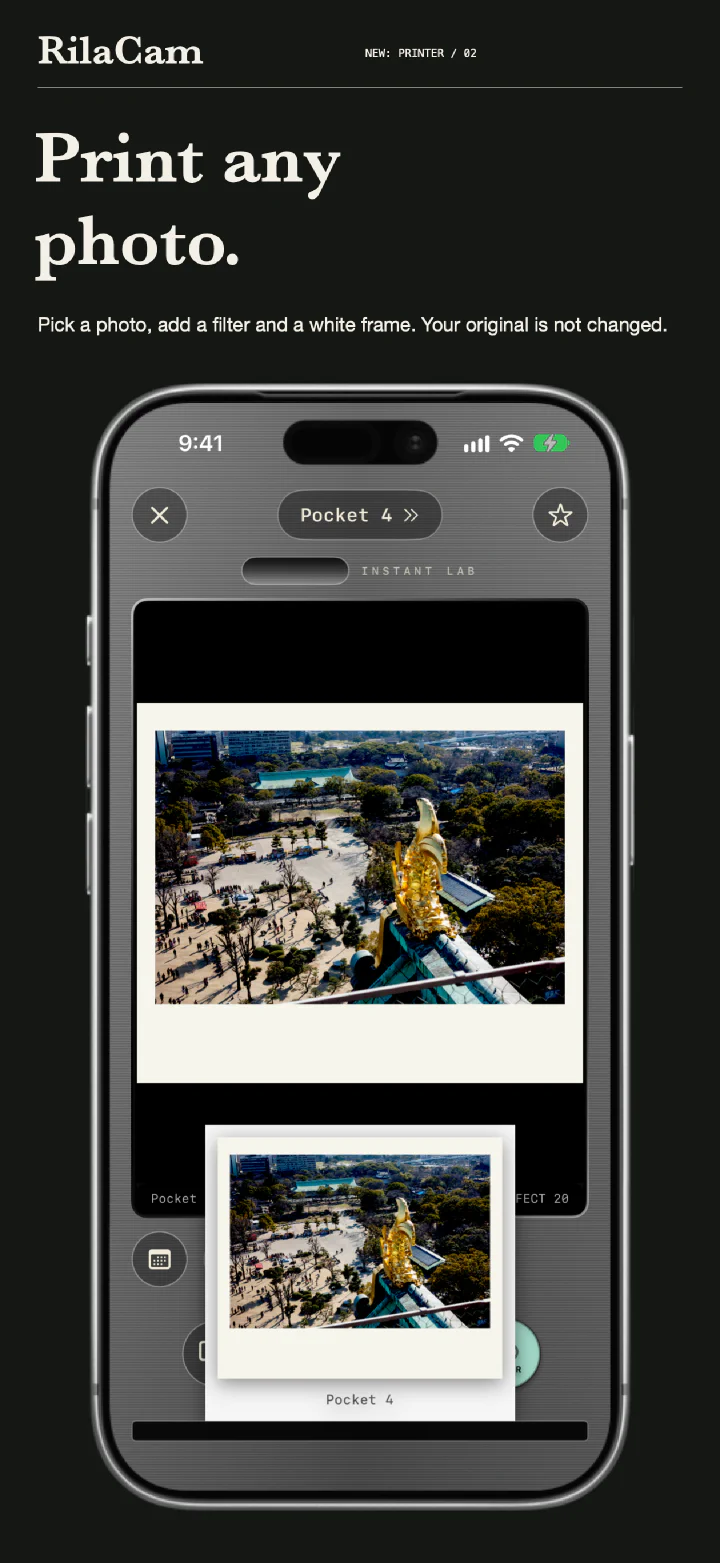
RilaCam Printer: a castle photo in Pocket 4 slides out as a print with a white frame
02 / NEW: PRINTER

RELEASE NOTES

New in 1.1:
the Printer.

1.1

  • Printer: pick a photo from your library, choose a filter, and press the shutter to save a new copy. Your original isn't changed.
  • White frames for new shots and prints, with optional handwritten place and shooting info on the bottom edge.
  • Shutter dial (1/4000 to 1/30 s), exposure compensation in 1/3 steps, and a 3, 10, or 30-second self-timer. Double-tap to go back to auto.
  • Favorites: star a filter and it comes first when you swipe.
  • Shooting info stamp (focal length, aperture, shutter speed, ISO) and custom dates from 1970 to 2099.
  • Aperture ring on iPhone models with a variable aperture, a new camera layout, a shorter 5-step tour, and bug fixes.

1.0

  • First release: 21 filters, 5 of them free, with live preview and per-filter intensity.
  • Photos up to 12MP in JPG or HEIF; video at 720p or 1080p with microphone audio.
  • Date stamps in four styles, optional place names, and five camera bodies.
  • My Work for browsing your photos and videos, and Camera Control on supported iPhone models.

PRIVACY

Processed on your iPhone

Photos and videos are not uploaded to developer-operated servers. No account is needed.
You choose camera, photo, microphone, and location permissions.

Place-name lookup uses Apple services. Photos may sync or download according to your iCloud settings.

Read the full Privacy Policy